← Guides
Plan your week on Sunday.
See the whole week with your meetings already in. Give the big things a day, and leave the week room to breathe.
3 min · For Horizon Watcher, Collector
- 1
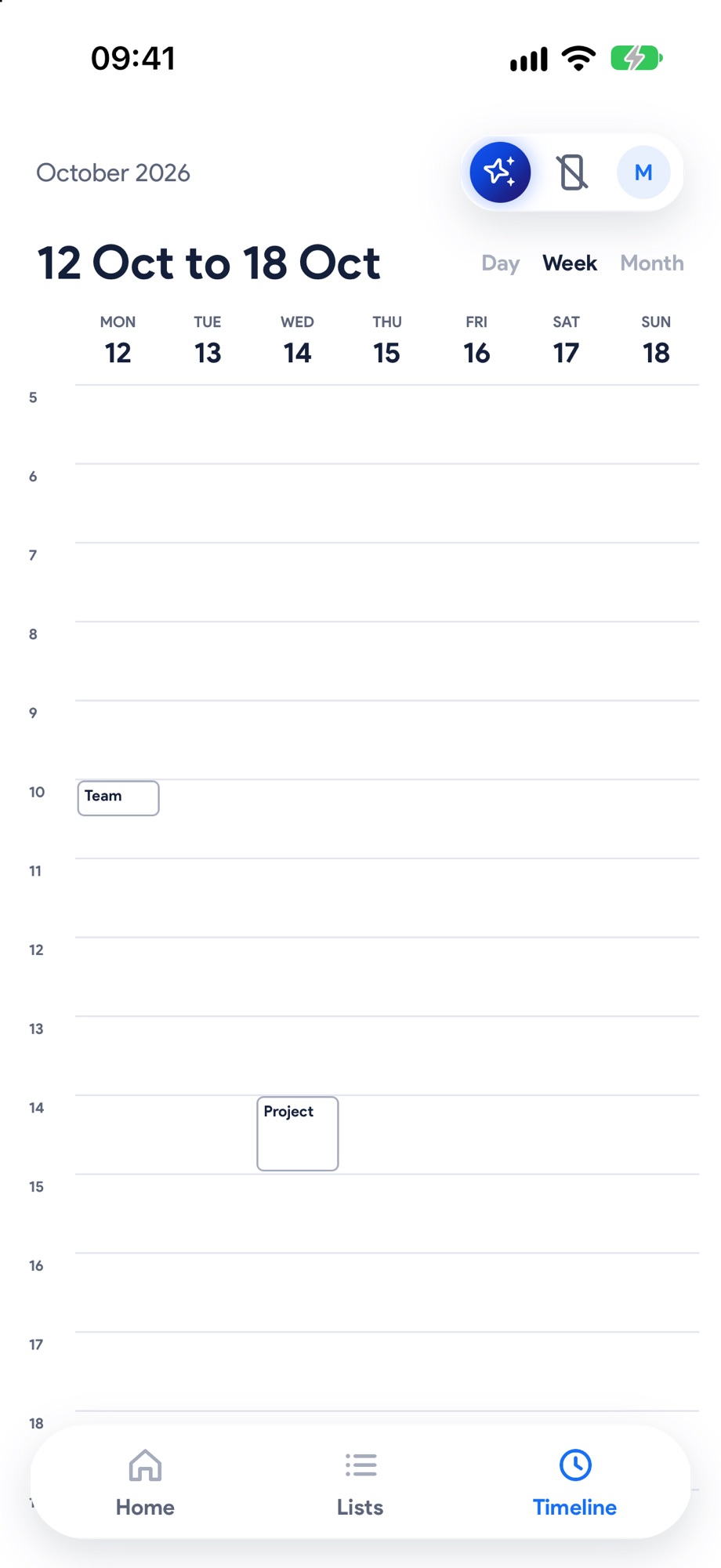
Switch to Week
On the Timeline, tap Week at the top right. Your calendar's meetings are already there as the fixed points. Swipe sideways for next week.
- 2
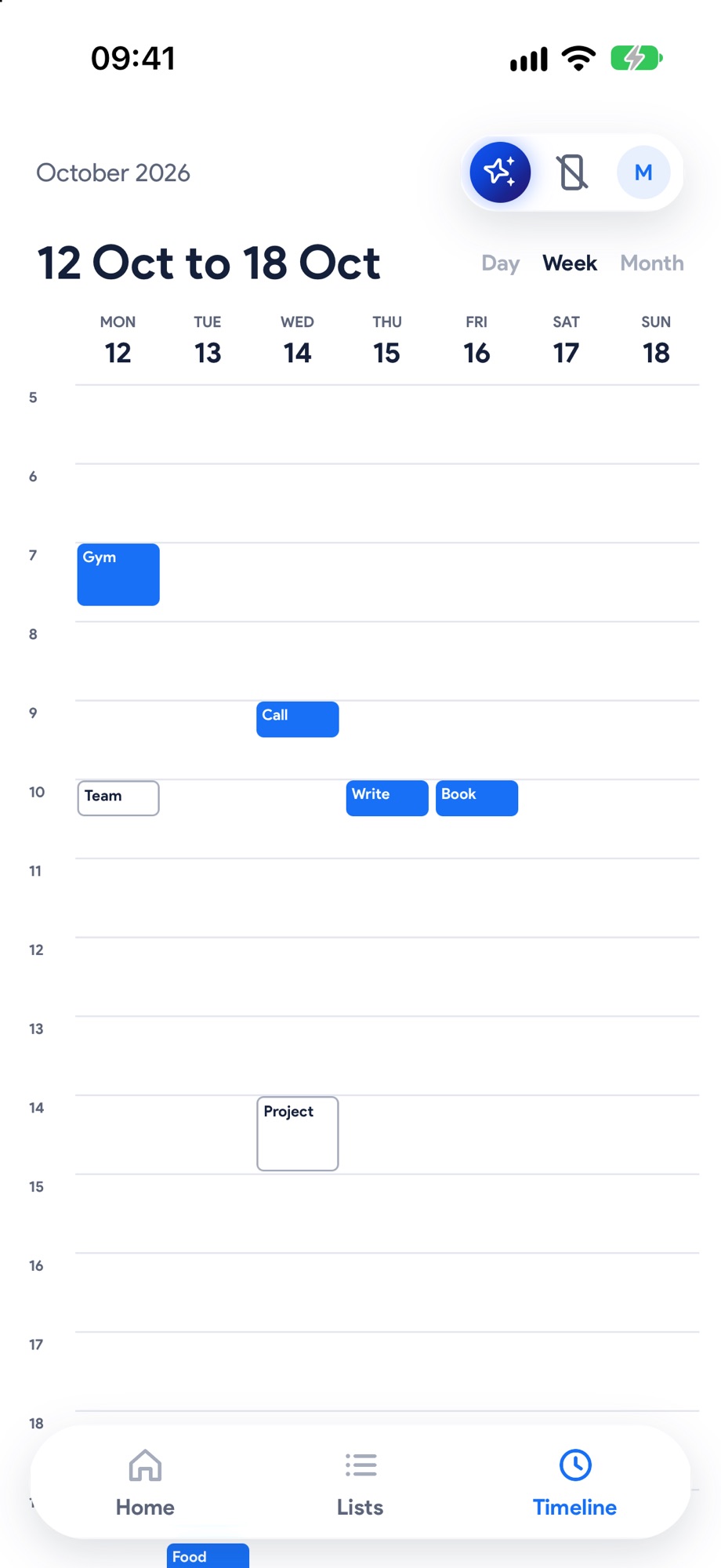
Give things a day
Tap a free hour on any day and type what it's for. Something already on a list? Open it and pick a day under Day.

- 3
Leave room
A few things a day is plenty. Leave gaps, so when Monday runs over there's somewhere for things to go.
Next, try these.
Put your calendar on your timeline.
Meetings, lectures and pick-ups become the fixed points. Everything else fits around them, and they never move on their own.
Get it all out of your head, then give it a day.
Type, send, next. Sorting can wait. Star what matters and swipe right when something's ready for a time.