← Guides
Plan out loud with Siri.
Add a task, hear what's next or start your next task, all without opening the app. On iPhone.
1 min · For Collector, Starter
- 1
Find it in Settings
Tap your initial at the top right, then Siri & Shortcuts under Help.
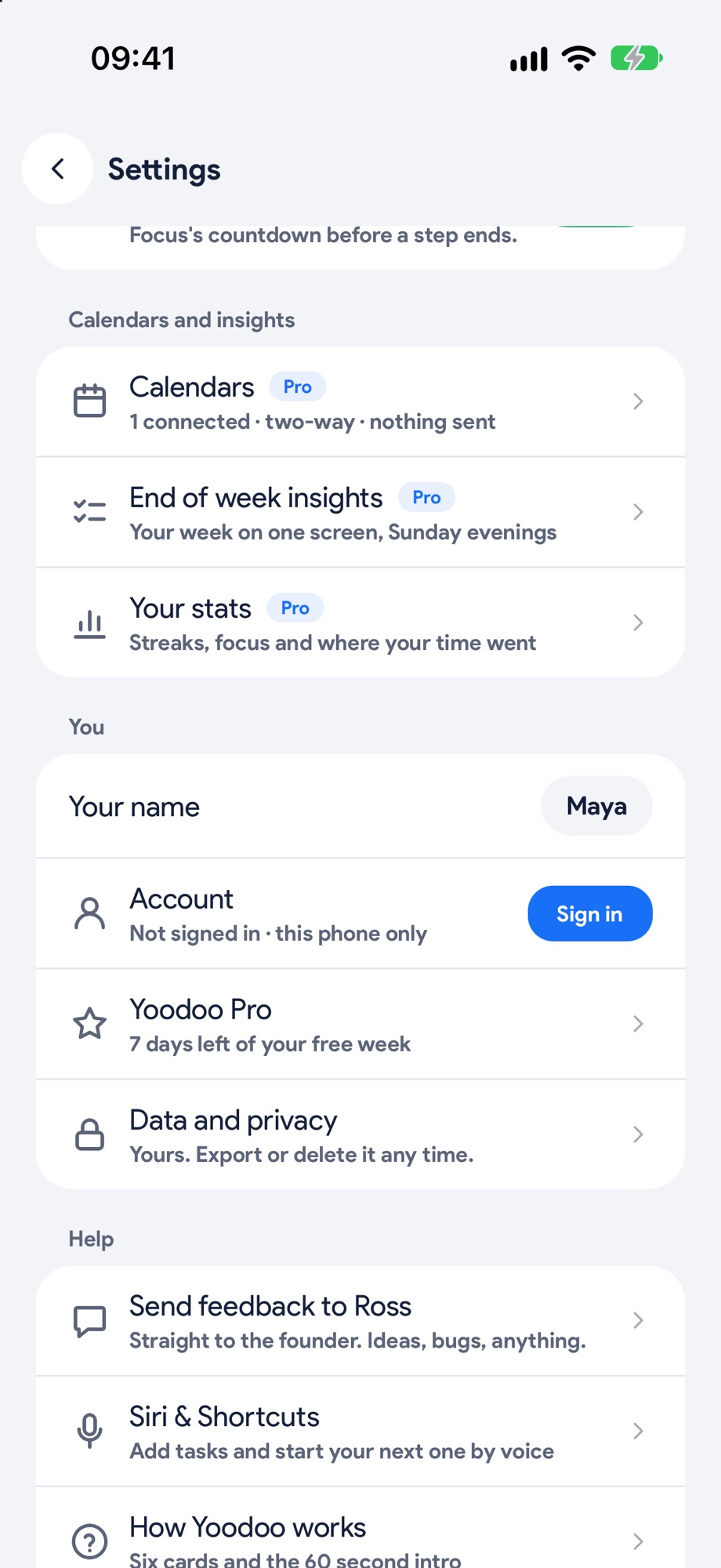
- 2
Just say it
Hey Siri, add a task to Yoodoo, then say the task. Add a time or how long, like gym at 6pm for an hour, and it lands on your day. What's next in Yoodoo tells you what's on. Start my next task in Yoodoo opens straight into Focus.
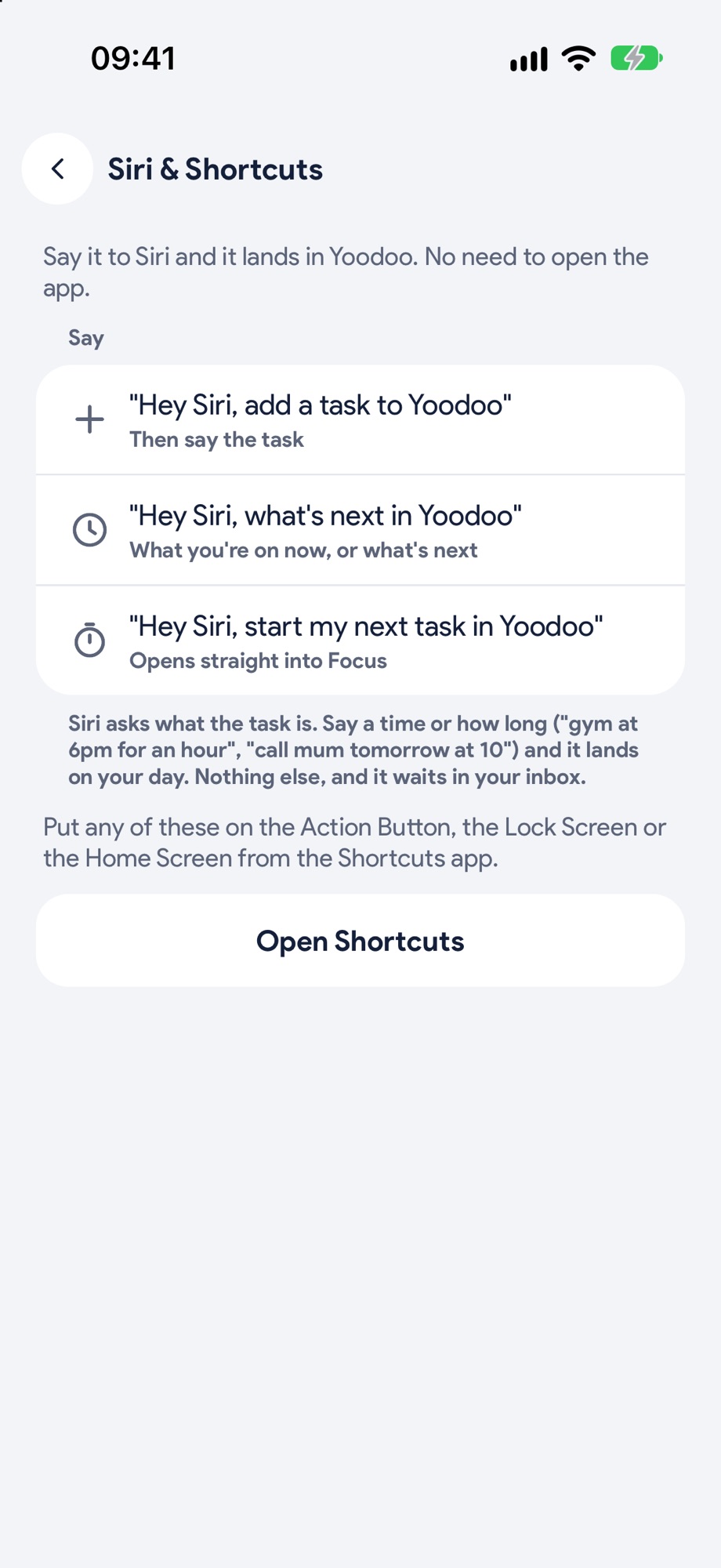
Next, try these.
Plan your whole day in a minute, by talking.
Say what's on, times and all. Yoodoo builds the day around your fixed things, and locks what can't move.
Get it all out of your head, then give it a day.
Type, send, next. Sorting can wait. Star what matters and swipe right when something's ready for a time.